
You ask once. We run it to done.
It starts when
It starts with one plain sentence.
Someone on your team opens the Portal, picks the topic that fits, and describes the need in their own words. Thirteen topics cover fifteen workflows, so every kind of ask has a home, and working out who owns it is our job.
Something stops working
A laptop, a login, a tool that broke mid-task. The everyday friction that used to eat an afternoon goes to IT support.
A message looks wrong
A link, a login alert, a request for money. A security concern goes straight to the specialists who watch for exactly this.
Someone joins or leaves
A start date or a last day. Joiners, movers, and leavers run on their own workflow, with accounts ready on day one.
Someone needs access
A new system, a shared folder, admin rights for a project. The request routes to the approvers you named.
A customer asks how you handle security
A questionnaire or a buyer review arrives. We answer it with evidence you already have on hand.
A change needs to happen
A new tool to evaluate, a configuration to change, a vendor to review, a strategic question for our CISO. Bigger pieces of work enter the same way.
What our specialists do
We take it from there.
The request reaches the people who run that kind of work, and the clock starts the moment it lands.
Route it to the right queue
Each kind of work has its own specialist queue, so a security concern and a laptop request reach the people who handle them.
Set the severity
We set how urgent the request is, so the serious ones move first, and you can see the level we set.
Watch the clock
Every request carries a response-time commitment. Our team sees a deadline at risk early and moves before it arrives.
Work it to a close
When we need something from you, the request says so and our follow-up lands in the same thread. When it is done, it closes with the whole conversation intact.
Behind the queues sit ten specialist roles and a library of written procedures, so the person on your request has the playbook for it.
What you see in the Portal
Every request shows where it stands.
The request tells you where it stands from the first second: who has it, how serious it is, and the moment the next move is yours.
A state you can read
Every request wears its current state in plain words: received, in progress, waiting on us, or done. You always know which of you owes the next move.
The severity we set
The level we set sits on the request, so you can see how we ranked it alongside everything else in flight.
Who is on it
A named person is attached to your request. When you reply, you are talking to someone who already has the context.
An awaiting-your-reply state
When we need something from you, the request flips to awaiting your reply and says so clearly, so the work keeps moving between us.
A first response, timed to how serious it is
Every request gets a response-time commitment matched to its severity: the urgent things answered fast, the routine things soon after.
- UrgentSomething is broken or unsafe right now
- HighBlocking your work, and contained
- NormalThe everyday ask, answered soon after
A commitment to respond, matched to severity, and kept by our team.
One thread, start to finish
The conversation stays in one place, wherever you answer it from.
Everything about your request lives in one thread: the original ask, every reply, our follow-ups, and the resolution. When we email you, the link drops you straight back into that same thread.
Follow-ups land in the thread
When a specialist needs to check something with you, the follow-up appears inline in the same conversation, with its own clear reply state.
Email brings you back
The email we send links straight to the follow-up it is about. One click and you are replying in the same thread, right where the conversation left off.
Every exchange in view
The whole exchange lives in one thread with a visible state, so the request is always either waiting on us, and we know it, or waiting on you, and you can see it.
A human, on demand
When talking is faster, a person is there.
Live chat opens inside the request, so the person you reach already has the context and you pick up where you left off.
Live chat sits alongside your requests, in the same place you already work. The person you reach can see what you have open.
On our side, a queue for every kind of work
Behind the one front door, each workflow has its own specialist queue, with the response clock in view on every request. That is how a real person answers quickly: the work is sorted, claimed by name, and watched.
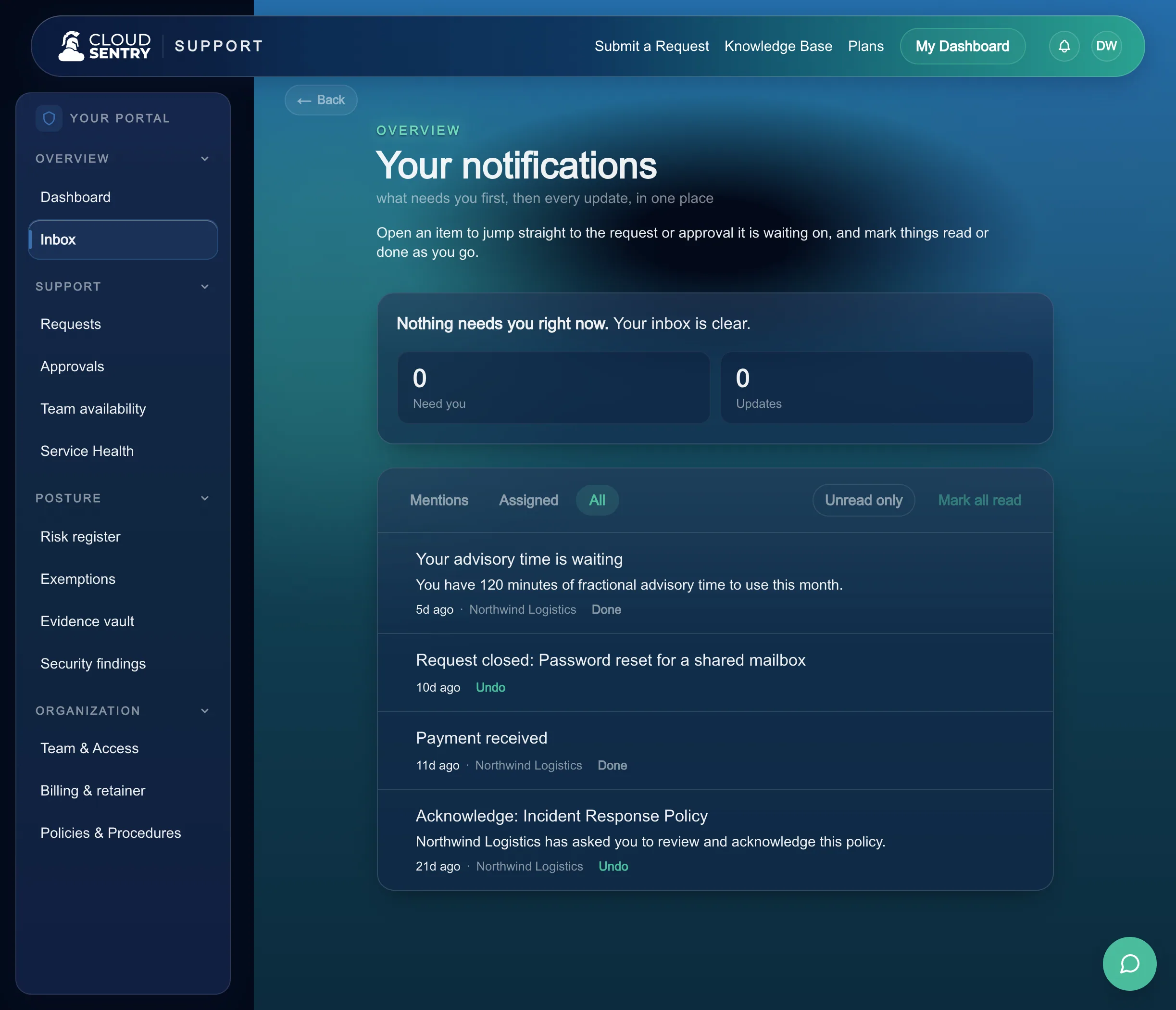
Pictured: your side of it. The Portal inbox puts what needs you first, then every update on the work we are doing.
How we grade ourselves
After the work, we ask how it went, and a lead reads every answer.
When a request closes we ask one short question about how it went. Our team leads review the answers, so a pattern of rushed or unhelpful work surfaces early and reaches someone whose job it is to act.
Asked once the work is done
The question arrives after the request is resolved, so you rate something that actually happened. It takes a moment.
Reviewed by a lead
Your answer goes to the team leads who own how the desk performs, as a signal a named person is responsible for acting on.
Patterns caught early
A run of rough answers is a signal. Reading them in one place is how a slipping response, or a specialist carrying too much, gets noticed and fixed.
What you sign
When a decision is yours, it reaches you as a link.
Some requests need a yes from you or from someone you name. The approver opens a link, reads the request, and decides. With several approvers, everyone sees the same request and a single denial stops it.
How approvals are carried outWhat you keep
A complete record of what was asked and done.
Every request keeps its thread from first message to close, in the Portal, where your team can find it. Each month, a service report rolls up the work we did for you.
See a sample monthly reportEasy is asking in one sentence and watching it get done.
This is how we keep security and compliance easy.
Next: Access and lifecycleA service desk people are glad to use.
One front door for anything, a real person on the other end, a clear state the whole way through, and a team that reads how it went. That is how we run the desk, on the platform that runs your cloud, IT, and security.
Find the level of coverage that fits your company, from a single hour of help to your entire stack run for you.
Walk through the desk on a real portal with us, and see what it feels like to ask for help plainly.