
A finding arrives. We handle it to a close.
It starts when
It starts with a finding.
Findings reach us from the platforms you run, from your own people, and from the checks on your posture. All of them join the same queue, so the work starts the moment one lands.
A finding arrives
A connected platform raises a finding, and it joins the triage queue with its source and severity.
Someone forwards a suspicious message
A link, an invoice change, a login prompt. Your teammate forwards it, and a specialist takes it from there.
A security concern is raised in the Portal
Anyone on your team can raise a concern, and it reaches the specialists who handle security.
A vulnerability is found
A weakness in your environment enters the queue with a severity, and a remediation window starts.
A posture check drifts
A cloud configuration check, Microsoft Secure Score or a Google Workspace policy check moves away from where it was set.
What our specialists do
A specialist owns each one, start to close.
Every finding has a person working it, and every move they make is written down.
Triage every finding
Each finding moves through a response lifecycle, and every status change is written to the activity trail.
Run an incident to a close
When a concern needs one, it becomes a Security Incident, and our CISO runs it until it is closed.
Write the post-incident report
Our CISO writes the report, with the root cause and the corrective actions, and it goes to your subscribers.
Answer every reported phish
A specialist triages each reported message and tells the reporter the outcome when it closes.
Work vulnerabilities to their windows
Each severity carries a remediation window: 14 days for critical, 30 for high, 90 for medium, and 180 for low.
Posture is tracked alongside, through cloud configuration checks, Microsoft Secure Score and Google Workspace policy checks.
Who is watching, and when
Coverage, stated plainly.
Resilience tier
Standard business-hours signal triage by our specialists.
Detection & Response module
Extended coverage with sev-1 page-out, threat hunting, and incident run.
Enterprise uplift
Staffed around-the-clock coverage, scoped for enterprise engagements only.
Each rung names who is watching and when, so you know the coverage your tier includes.
What we watch
Every layer we watch, in one queue.
Findings arrive from Microsoft Defender, Google Workspace, AWS GuardDuty, AWS Security Hub, 1Password, Cloudflare and more. A specialist reads them together across four layers, so a quiet signal on one layer is read alongside the others.
The devices themselves
Microsoft Defender reports on laptops and servers: suspicious processes, malware, and the behavior an endpoint agent is built to catch.
Who is signing in
Sign-in and access signals from your own environment: unusual logins, sessions that look inconsistent, and access that changed unexpectedly.
The environments we run
AWS GuardDuty and AWS Security Hub report on the accounts we operate for you: keys and roles that drift, storage opened wider than intended, and configuration that moves from where it was set.
The inbox and collaboration
Signals from the mail and collaboration platform, where invoice fraud, account takeover, and consent abuse show up.
Illustrative. The path every finding follows, from any layer to a specialist who owns the response.
Findings from every layer land in one queue, with a specialist whose job is to act on them.
Your email name has its own watch. We monitor the domains you own and take DMARC from monitor to quarantine to reject.
See email and domain trustWhat you see in the Portal
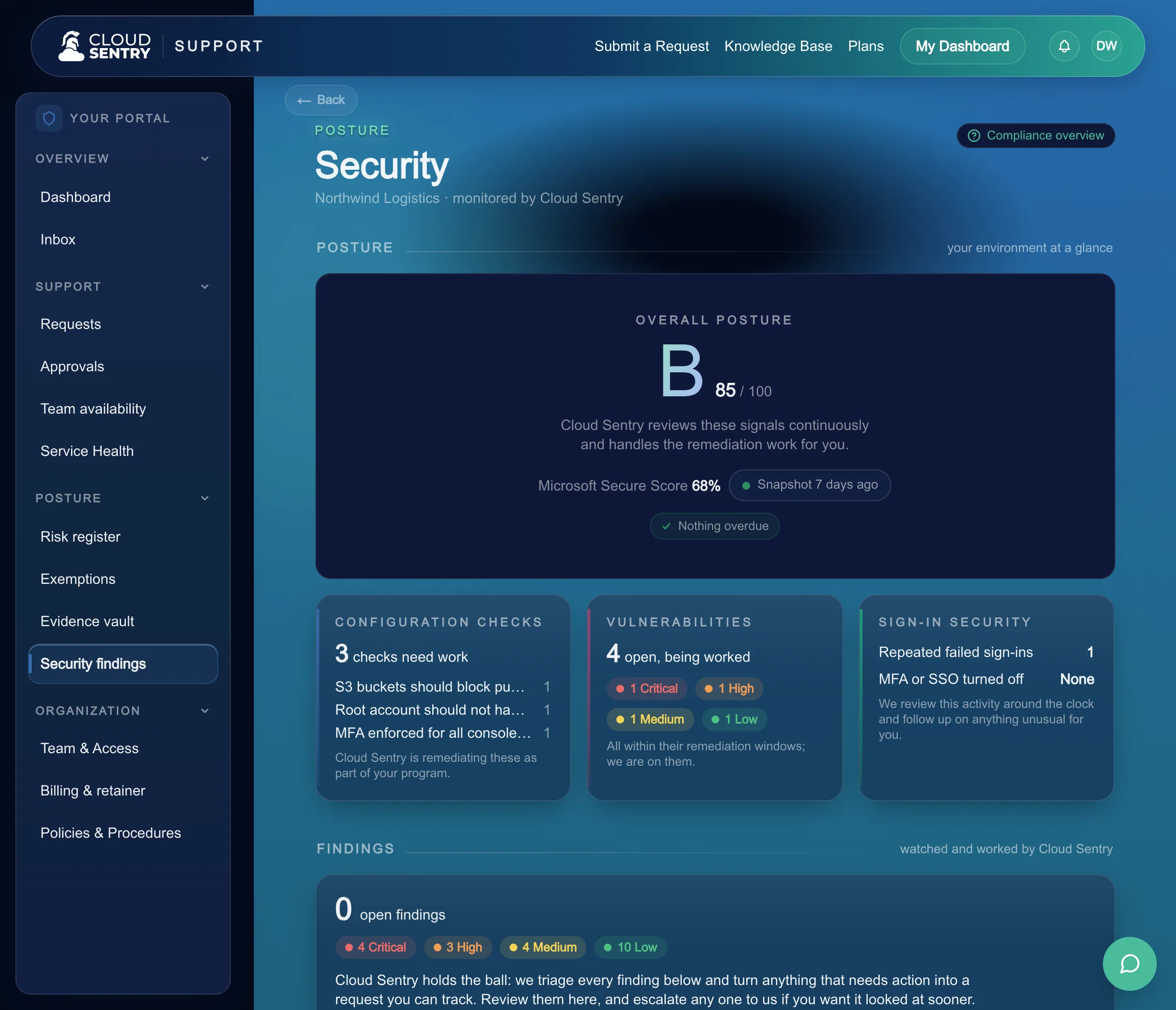
Every finding and incident, in view.
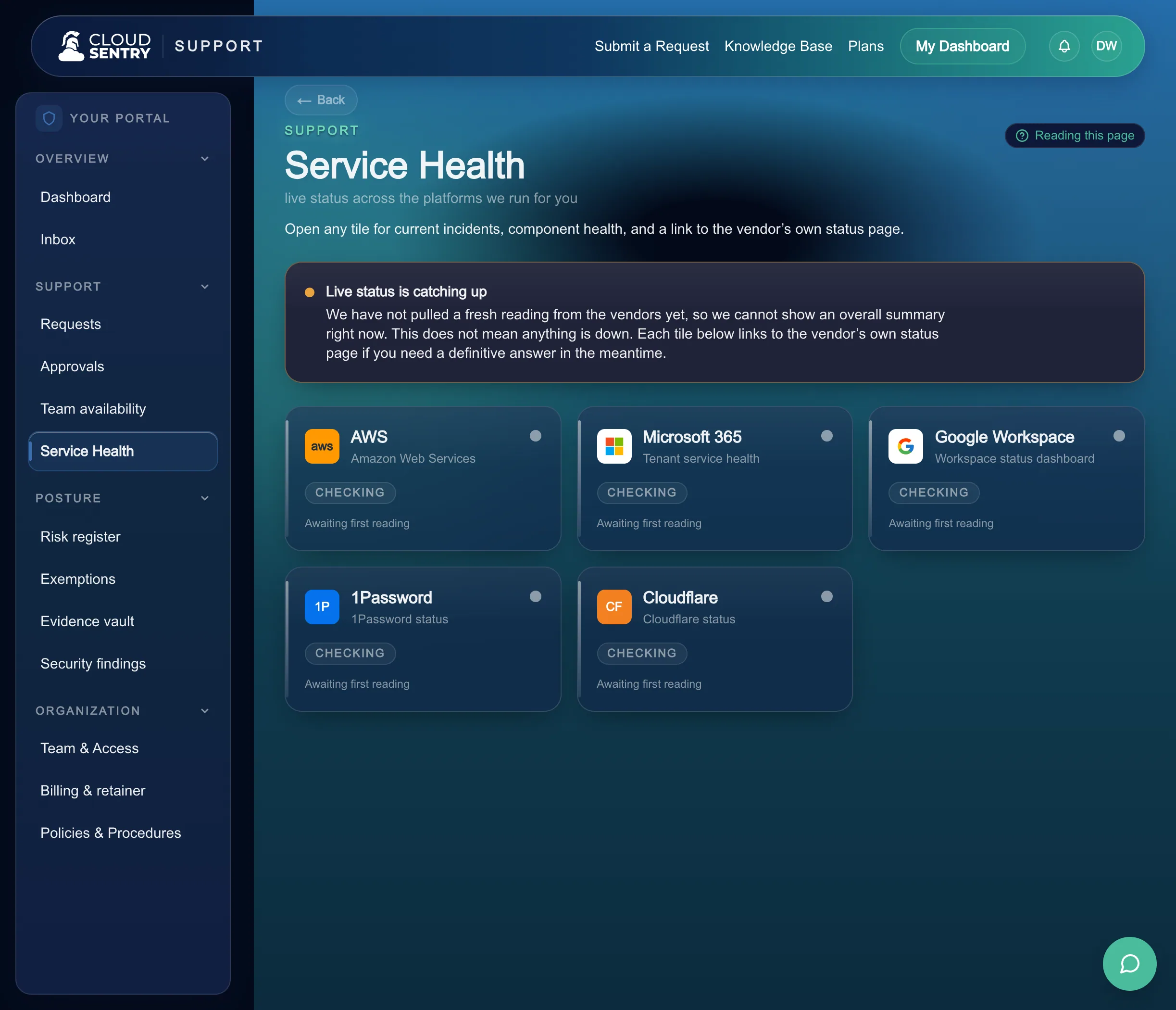
The live state of what we run and every incident we handle sit in one place you control, so where things stand is always one click away.
- Every finding, with its status. Each finding shows where it stands on the response lifecycle, and each status change is in the activity trail.
- Every incident, with its story. What triggered it, what our team did, and how it closed, followed by our CISO's post-incident report.
- Decisions arrive when they are yours. We handle the response, and the actions that need your approval come to you with the context to decide.
What you sign
Two kinds of decision come to you.
When our CISO proposes a vulnerability risk for you to accept, you accept it with a reason and an expiry. The response actions we bring to you wait for your approval.
How the risk register records itWhat you keep
The report, and the full trail.
Each closed incident leaves a post-incident report with its root cause and corrective actions. The activity trail holds every finding and incident, with each status change.
The team inside
The people who run this with you.
Named specialists, reachable in the portal, answering you directly.
Juston Eubanks
Junior Cloud Operations Specialist

Jason Bowen
Cloud Operations Specialist

Ken Hanson
Founder & CEO

John May
Fractional CIO & Advisor

Emil Diaz
Fractional CTO
Easy is hearing about it from us, with the response in view while it happens and a written report when it closes.
This is how we keep security and compliance easy.
Next: What we run, and what you holdSecurity operations you can watch.
Findings land in one queue, our specialists work each one to a close, and the Portal shows every step. Tell us what you run and we will show you how it looks.
Tell us what you run today and we will walk through how detection and response would cover it, layer by layer.
Tour the operations platform: the requests, the evidence, the risk register, and the live status of what the specialists run for you.